About this User Manual
User Manuals: Right PDF Server 7
This user guide is composed of a series of topics, explaining the different ways you can work on PDF documents with Right PDF Server. Follow this guide to start familiarizing yourself with the rich functionality Right PDF offers.
This manual applies to the latest software version: Right PDF Server 7
How to Check Your Software Version
-
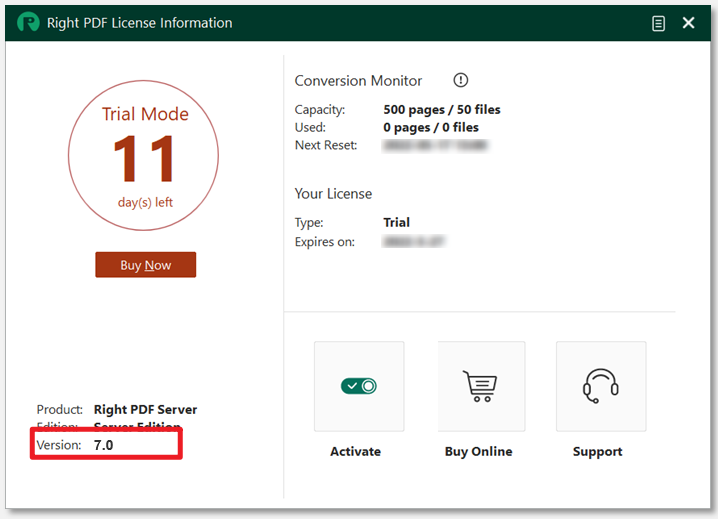
Go to Start > All Programs > Right PDF Server > License Information OR:
-
In the "Right PDF License Information" window, check the "Version" number to find out which version you are using.
Download the old manual
* Right PDF is the new brand name (version 6 and above) in place of Gaaiho PDF (version 5 and earlier).


